
Most people commissioning their first web application are not worried about the code. They are worried about not being able to tell, from the outside, whether it is going well.
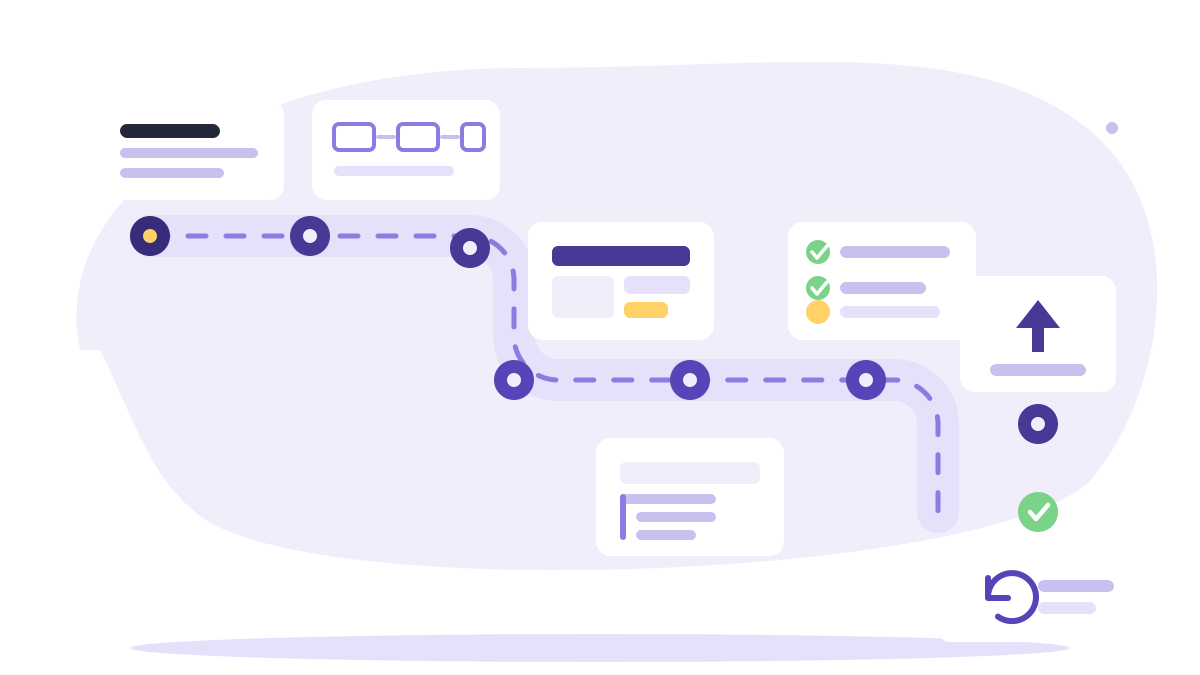
This is the shape of a project that is going well. Nine stages, what each one is for, what you should be holding at the end of it, and the signal that one got skipped — because skipping a stage rarely announces itself at the time. It shows up two stages later as rework.
1. Requirements discovery
The point: to establish what the business needs, which is reliably different from what was first asked for.
The useful questions are not about features. They are: who uses this, what are they trying to achieve, what do they do today instead, what happens when it goes wrong, and what would make the project a failure even if everything was delivered?
That last one is the most valuable question available, and it is the one most often not asked.
Discovery should also surface the awkward things early: the integration with the system nobody documented, the approval step that depends on one person, the client whose contract has unusual terms, the regulatory constraint. These do not get smaller by being discovered later.
You should end up with: a written description of the problem, the people involved, the constraints, and what success looks like — in the client's language, not technical terms. Short is fine. Agreed is the requirement.
Skipped if: the first conversation was about which framework to use.
2. User flows
The point: to agree the paths people take through the application before anyone designs a screen.
A flow is a sequence of steps, written plainly: a customer searches by date and area, sees available providers, selects one, chooses a time, enters details, pays, and receives a confirmation; the provider receives a notification and the booking appears in their calendar.
Writing that out does two things. It makes gaps obvious — what happens if payment fails after the slot was held? — and it gives everyone a shared reference for what "done" means.
Flows are also where scope gets decided honestly. A feature that appears in no flow is a feature nobody needs yet. We go into the mechanics of that judgement in how to build an MVP without wasting your budget.
You should end up with: the two to five flows that matter, each written as numbered steps, including what happens when a step fails.
Skipped if: the project has a feature list but nobody can describe a complete journey end to end.
3. Wireframes
The point: to settle layout, content and hierarchy while changes still cost minutes.
Wireframes are deliberately unattractive. Boxes and labels, no colour, no typography, no imagery. That is the feature, not a limitation: a plain wireframe gets feedback about whether the right information is on the screen, whereas a polished mockup gets feedback about the shade of blue.
This is the cheapest place in the whole project to discover that a screen needs a field nobody mentioned, and it is where the real content requirements surface — the labels, the empty states, the error messages, the question of what the table shows before any data exists.
You should end up with: a rough screen for each significant step in each flow, agreed.
Skipped if: development started from a visual design with no structural review, or from a conversation.
4. UI and UX design
The point: to turn agreed structure into something people will actually enjoy using.
Design is not decoration. The parts that matter most are the ones nobody compliments: whether the primary action on each screen is obvious, whether form errors explain what to do, whether a loading state exists, whether the thing works at 360px wide, whether contrast is sufficient to read in sunlight.
Accessibility belongs here rather than at the end. Colour contrast, focus states, labels on inputs, a sensible heading structure and keyboard operability are inexpensive to design in and genuinely expensive to retrofit.
For an internal tool, this stage can be light — a consistent component set and clear hierarchy is often enough. For a customer-facing product where the interface is part of the value, it deserves real investment.
You should end up with: designs for the key screens, a consistent set of components, and decisions recorded for the states that are easy to forget: empty, loading, error, success.
Skipped if: every screen looks slightly different, or the application only works properly at desktop width.
5. Technology selection
The point: to choose a stack that fits the application, the hosting, and whoever will maintain it.
Note where this sits: fifth. Not first. The technology question is much easier once you know what the thing has to do, and choosing early tends to mean choosing on familiarity or fashion rather than fit.
What actually matters: does it suit the shape of the problem, can you host it where you need to, can you hire for it, and will it still be supported in five years. We work through that comparison in PHP vs Next.js for business web applications.
The decisions that matter more than the framework, and get less attention:
- The data model. The highest-leverage work in the project. Expensive to change later, cheap to get right now.
- Which third-party services you depend on. Payments, email, maps, storage, and what happens if one of them changes its terms. Each is an integration with an ongoing cost.
- Where it will run, decided now rather than during the week of launch.
You should end up with: the stack, the hosting approach, the external services, and the data model — written down, with reasons.
Skipped if: nobody can explain why this technology rather than another, or the hosting question first came up near the end.
6. Iterative development
The point: to build in slices you can see and steer, rather than disappearing for three months.
A good slice is a complete thin path through the application: not "the database layer", but "a customer can search and see results". After the first slice you have something to click, which changes the quality of feedback entirely — people react to a working screen far more usefully than to a description of one.
What this looks like from the client side: a working version you can use at the end of every cycle, a visible list of what is done and what is next, and the ability to change priorities between cycles. What it should not look like: a long silence followed by a reveal.
Expect decisions to be needed during this stage. The most common cause of a project drifting is not slow development but a question that has been waiting a week for an answer.
You should end up with: regular working versions, a shared view of progress, and decisions resolved within days.
Skipped if: you have not used the application yourself since the project started.
7. Testing
The point: to find the problems before your customers do.
Testing is several different activities that are often collapsed into one word:
- Automated tests on the logic that must not break — pricing, availability, permissions, anything involving money. Not every line; the parts where a silent error is expensive.
- Manual testing of the flows from stage 2, including the failure branches. Payment declined. Session expired mid-form. Two people booking the last slot at once.
- Cross-device checking on real devices, particularly a mid-range phone. Not just a narrow browser window.
- Accessibility checks: keyboard-only operation, screen reader basics, contrast.
- Load sanity, if you have a known peak. Not a full performance exercise — just confidence that the expected volume is comfortable.
- Someone unfamiliar using it, watched, without instructions. Routinely the most informative hour of the project, and the most frequently skipped.
You should end up with: test coverage on the critical logic, the flows verified including failure paths, and a known list of what is deliberately not finished.
Skipped if: bugs are being found by customers, or nobody can say what was tested.
8. Deployment
The point: to get it live safely, and to be able to do it again tomorrow.
Deployment is not uploading files. The things that make it a non-event:
- A staging environment that matches production closely enough to be meaningful.
- A repeatable deployment rather than a manual sequence someone remembers.
- Backups working and restore tested before launch, not after.
- Monitoring and error reporting in place from day one, so you hear about a failure from your tooling rather than from a customer.
- HTTPS, security headers and the boring hardening done, not deferred.
- A rollback you have actually practised.
- The operational handover: who has access to what, where the credentials live, what to do at 2am.
You should end up with: a live application, a way to deploy the next change confidently, verified backups, and monitoring that reaches a human.
Skipped if: the first deploy was also the first time anyone tried deploying, or nobody knows whether backups run.
9. Maintenance and iteration
The point: to keep it working, and to act on what real usage teaches you.
Launch is the beginning of the informative part. The first weeks of genuine use produce better information than the preceding months of planning — which features go unused, where people get stuck, which support questions repeat.
Alongside that is the unglamorous upkeep: security patches, dependency updates, runtime upgrades, backup verification, uptime monitoring, performance checks. Not optional, and not visible when it is working. We cover what it actually involves in detail.
Two things worth agreeing before launch rather than after: who is responsible for maintenance, and what the budget for it is. Both conversations are easier before anything needs fixing.
You should end up with: a maintenance arrangement, a route for reporting problems, and a short list of the next improvements, informed by use rather than by the original plan.
Skipped if: nobody has logged into the server since launch.
How long it takes, roughly
Deliberately rough, because the variation is enormous and a precise number here would be dishonest. For a focused first version of a business application:
- Discovery, flows and wireframes: two to four weeks, substantially driven by how quickly the business can answer questions.
- Design: two to four weeks, running partly in parallel.
- Build: the bulk of it, in cycles, from six weeks for something genuinely small.
- Testing: continuous, with a concentrated period before launch.
- Deployment: days, if stage 8 was not left to the end.
The variable that moves the timeline most is not development speed. It is decision speed. Projects where the client can answer a question within a day finish dramatically sooner than projects where each question waits for a weekly meeting.
Why the whole lifecycle matters
A developer who only builds will build what they were handed, and if what they were handed was wrong, you will find out at stage 7.
The stages where projects are actually won or lost — discovery, flows, the data model, deployment, maintenance — are the ones at either end, furthest from writing code. Someone who has been through the full cycle several times will push back during discovery, ask about hosting in week one, and raise maintenance before you have thought to.
That is the difference worth paying for, and it is most of what our process is organised around. If you are at stage 1 and would like to talk through what the first two stages would look like for your idea, that is a conversation we are happy to have before anyone commits to anything.


